
Create your talent account and complete your profile
Sign up, verify your identity, and build a profile above 80% completeness to appear at the top of the directory.
A complete profile (≥ 80%) is essential: it unlocks applying to missions, public directory visibility, and AI recommendation scoring.
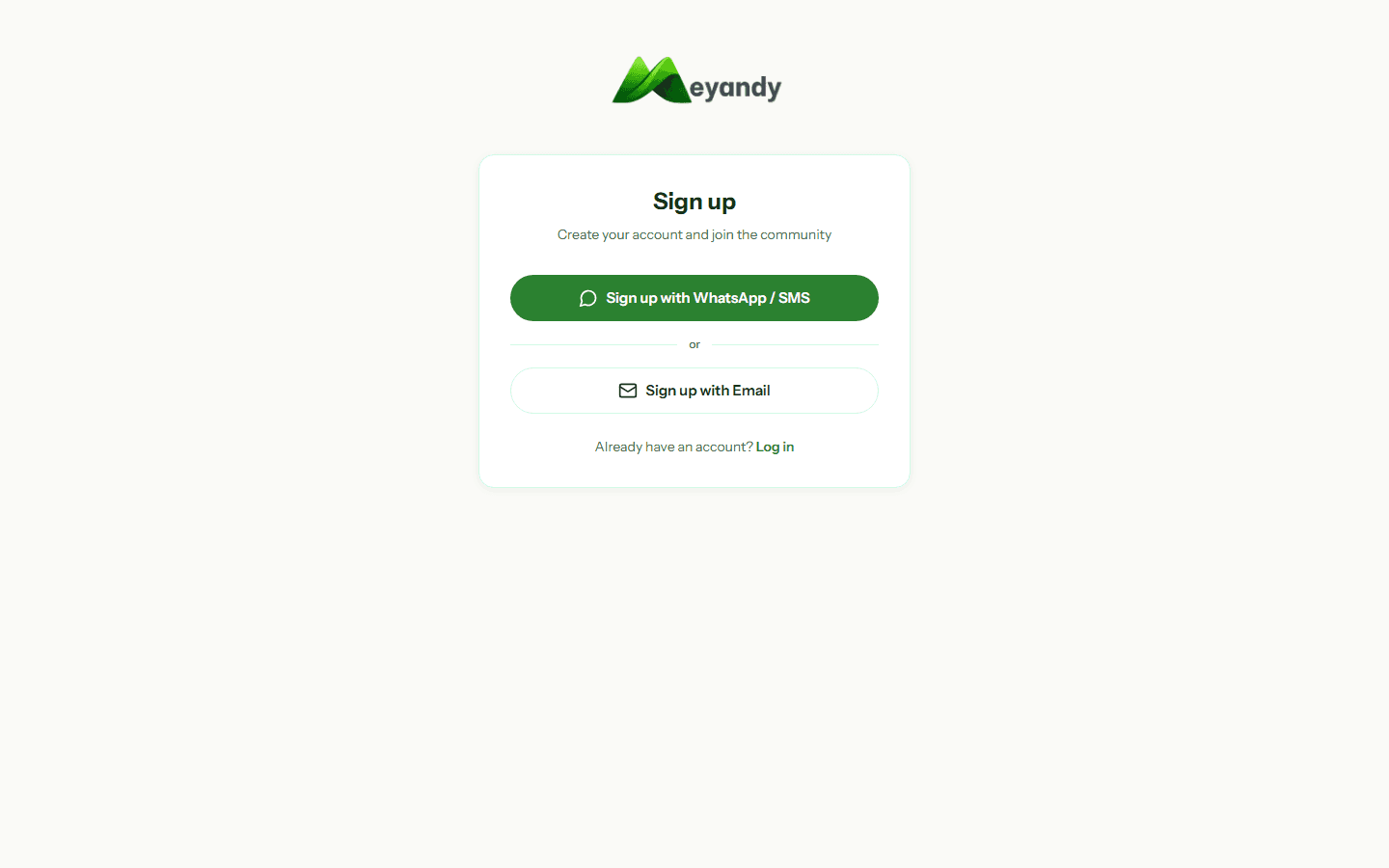
Go to meyandy.com/auth/signup, select the Talent / Professional role, then enter your email and a password of at least 8 characters (letters + digits).
You can also sign up with your WhatsApp number: you'll receive a 6-digit OTP valid for 10 minutes.
If you signed up by email, click the confirmation link in your inbox (check Spam too).
If you signed up by WhatsApp, enter the OTP you received. You have 3 attempts max, then a 2-minute cooldown before a new code.
Country matters: it sets the displayed currency (FCFA, NGN, GHS, KES...) and the commission rate applied to your missions (see the Commission and fees article).
The default language (French or English) can be changed anytime via the top-right switcher.
Your completeness is computed automatically. Each item brings you closer to the 80% threshold that activates public visibility:
- Profile photo: +15%
- Bio (min 50 characters): +15%
- At least 3 skills: +10%
- City and country: +5%
- Verified phone number: +10%
- Verified ID document: +20%
- 1 portfolio item: +10%
- 1 spoken language: +5%
- Mobile Money configured: +10%
The Verified identity and Mobile Money items are the most valuable — they reassure recruiters.
Once you reach 80%, toggle Public profile in Settings → Privacy. Your personalized URL will be:
https://meyandy.com/profil/your-username
Share it on LinkedIn, WhatsApp, or your CV. Recruiters can then contact you directly without going through a mission.
Tip: talents with verified identity receive on average 3× more mission offers. Upload your ID, passport, or consular card from the Verification section.
Was this article helpful?
Couldn't find your answer? Our team replies within 24 business hours.
Contact support