
Create your talent account and complete your profile
Sign up, publish your professional profile, and progressively add the information clients need to choose you.
Your profile can be public once onboarding is complete. Completeness helps identify missing information, but no 80% threshold controls public visibility.
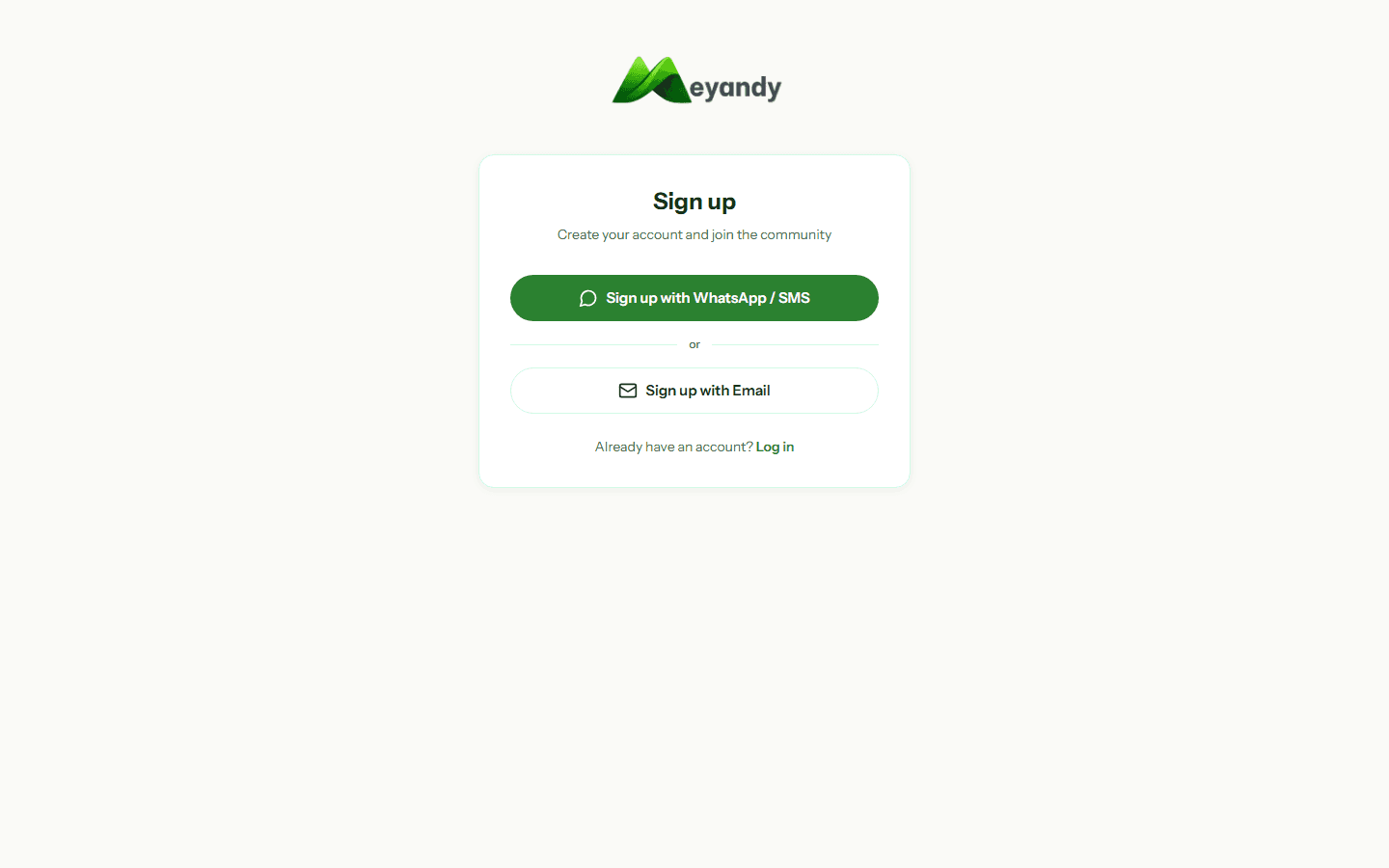
Go to meyandy.com/auth/signup, select the Talent / Professional role, then enter your email and a password of at least 8 characters (letters + digits).
You can also sign up with your WhatsApp number: you'll receive a 6-digit OTP valid for 10 minutes.
If you signed up by email, click the confirmation link in your inbox (check Spam too).
If you signed up by WhatsApp, enter the OTP you received. You have 3 attempts max, then a 2-minute cooldown before a new code.
Country matters: it sets the displayed currency (FCFA, NGN, GHS, KES...) and the commission rate applied to your missions (see the Commission and fees article).
The default language (French or English) can be changed anytime via the top-right switcher.
Completeness is calculated from information the public profile actually uses: photo, professional headline, bio, skills, categories, username, work samples, identity, and Web Space. The dashboard suggests the next improvements.
Identity is a separate trust signal. It is not required to publish a profile, but it is required for selected sensitive actions, including mission applications and payments.
Open Dashboard → Profile → Public profile, then check that visibility is enabled. Your personalized URL will be:
https://meyandy.com/profil/your-username
Share it on LinkedIn, WhatsApp, or your CV. Recruiters can then contact you directly without going through a mission.
Remember: identity verification only means Meyandy checked the identity. It does not guarantee skills or work quality.
Was this article helpful?
Couldn't find your answer? Contact our team and include the relevant page and identifier.
Contact support