
Create a recruiter account and verify my company
Sign up as an individual or company recruiter, verify your identity, and unlock publishing missions and job offers.
You can recruit as an individual (permanent hire, one-off freelancer) or on behalf of a company. Both are free to sign up.
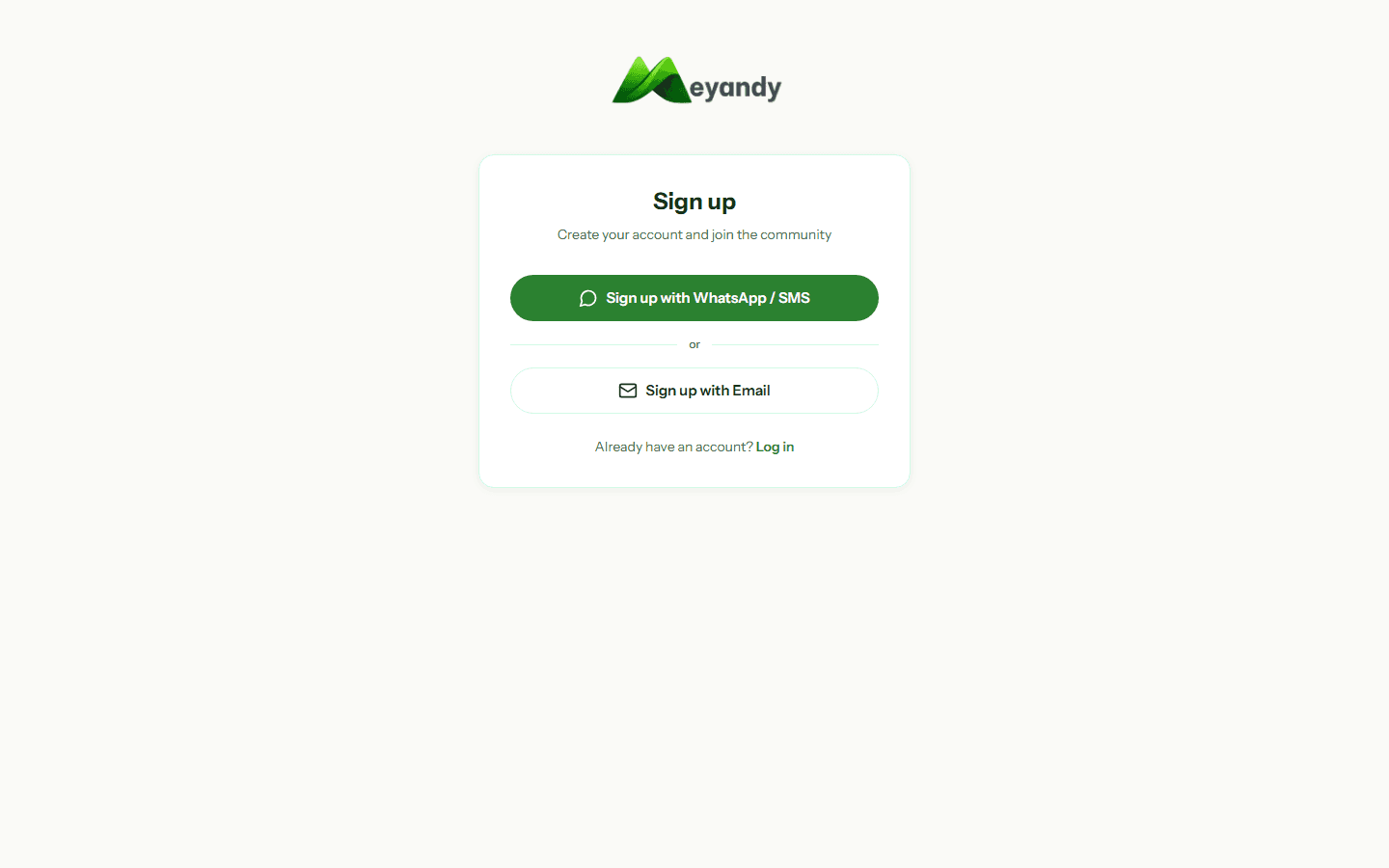
Go to /auth/signup and pick the Recruiter role. Enter:
- Professional email (avoid Gmail/Yahoo if possible — boosts credibility)
- Strong password (≥ 8 characters, letters + digits)
- Country — sets currency and applicable commission
Under Settings → My company, add:
- Company name
- Industry
- Size (1-10, 11-50, 51-200, 200+)
- Logo (square, 200×200 px min, PNG/JPG)
- Website and LinkedIn
- Description (≤ 500 characters)
Your logo and name appear on published missions and give candidates verifiable context about the organization.
ID verification (ID card, passport) is mandatory before the first mission payment. Upload the document under Settings → Verification.
Verification is manual, and timing depends on volume and document readability. You can publish before approval; the displayed badge confirms identity review only.
Before publishing a paid mission or job, review the methods offered for your country: Mobile Money through Swychr in supported countries, or card through Stripe when available.
For a mission, payment is requested when an application is accepted, not at publication. Always check the displayed provider, currency, and summary.
Once signed up, browse the public talent directory at /talents. Filter by category, skills, country, city.
Each talent with a public profile has a URL meyandy.com/profil/their-username — you can invite them directly to apply via chat.
Was this article helpful?
Couldn't find your answer? Contact our team and include the relevant page and identifier.
Contact support